Be present for the conversation.
With everyone’s permission, record an appointment on the companion. The original audio stays encrypted on the device.
Two ways to keep Medscribe close. Record appointments, carry your Know Me card, and bring the conversation back to your phone. Choose the companion or the wearable pendant.
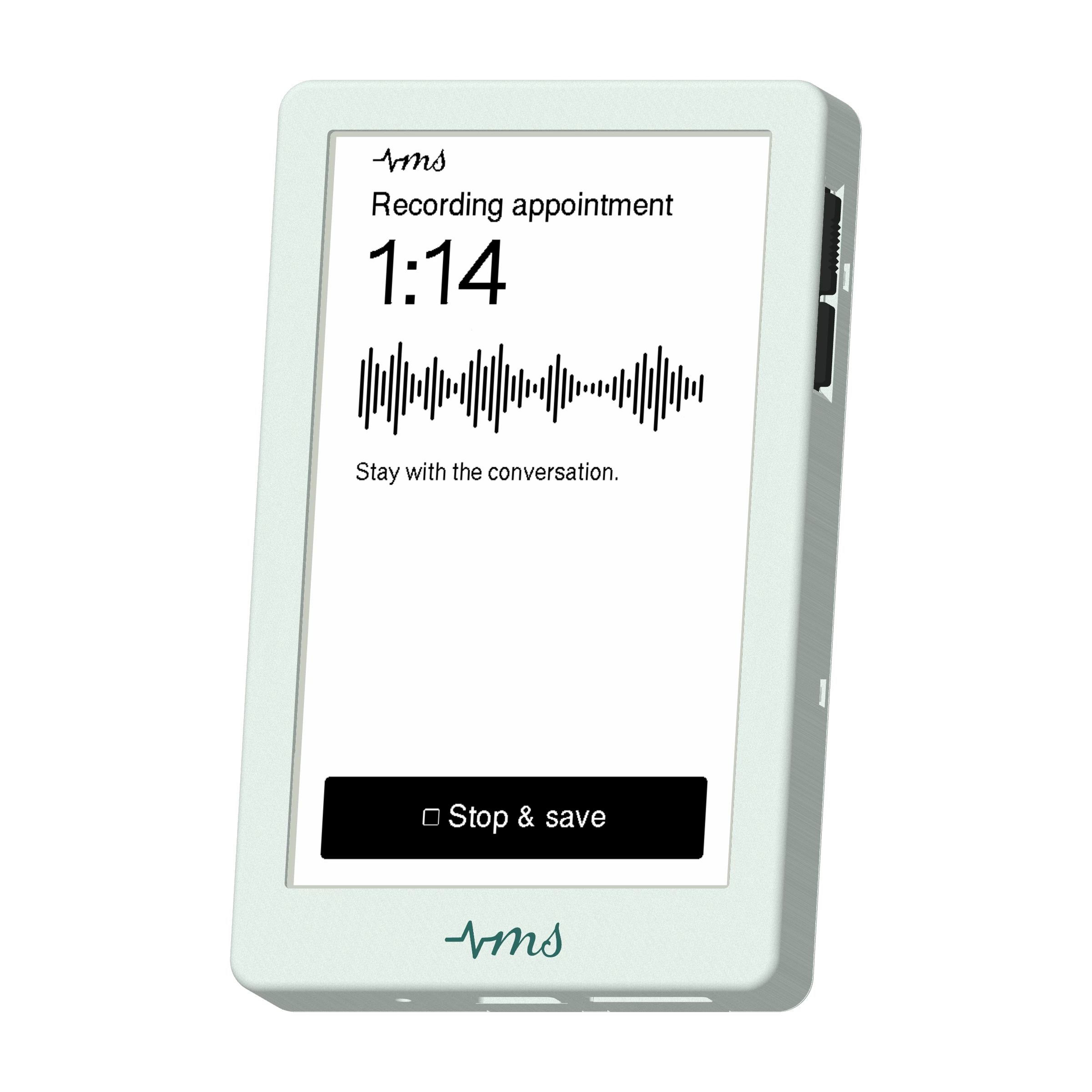

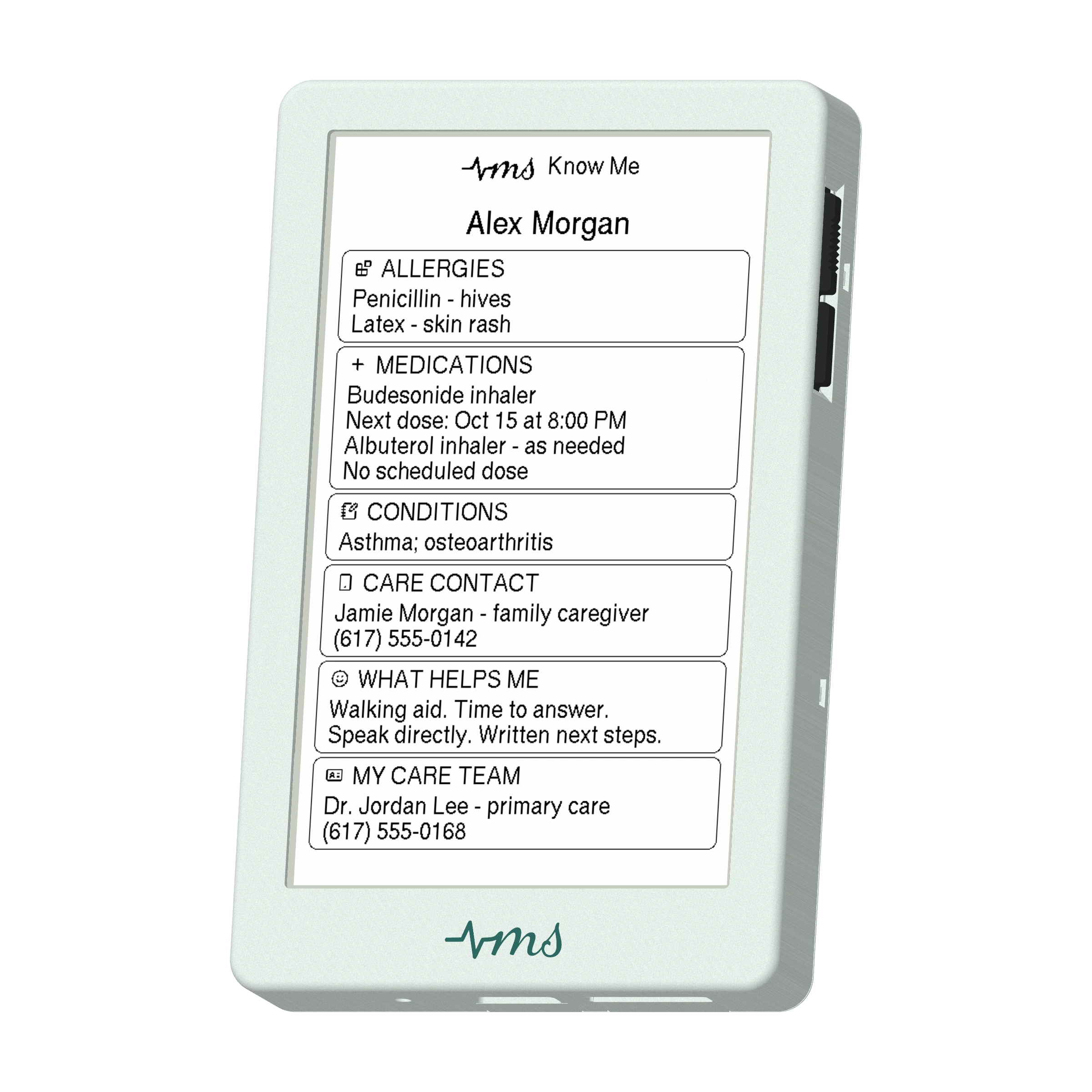
Meet the Medscribe companion. A dedicated e-paper device for your conversations and the context you choose to carry. Familiar physical controls. A quiet, readable screen. Just Medscribe.
With everyone’s permission, record an appointment on the companion. The original audio stays encrypted on the device.
Carry your allergies, medications, care contacts, and what helps you communicate. Hand over the companion to give a care team a quick introduction to you.
Connect to your iPhone to import a recording, transcribe it on the phone, and review it alongside the rest of your care context.
Connect your companion in the Medscribe iPhone app. Medscribe also works on its own, whenever your phone is all you need.
See how they work togetherWhen explaining everything feels like too much, start with your Know Me card. The pendant keeps the details you choose close enough to show someone.
Ask everyone’s permission, record your appointment on the pendant, then listen again and review the transcript in Medscribe.
Allergies, medications, care contacts, and what helps you communicate.
Press the lower side button to move through your card, one clear page at a time.
Hold the upper side button to notify your caregiver when you need help.
Meeting a new care team or finding it hard to explain? Hand over your companion. Allergies, medications, care contacts, and what helps you communicate give someone a starting point.

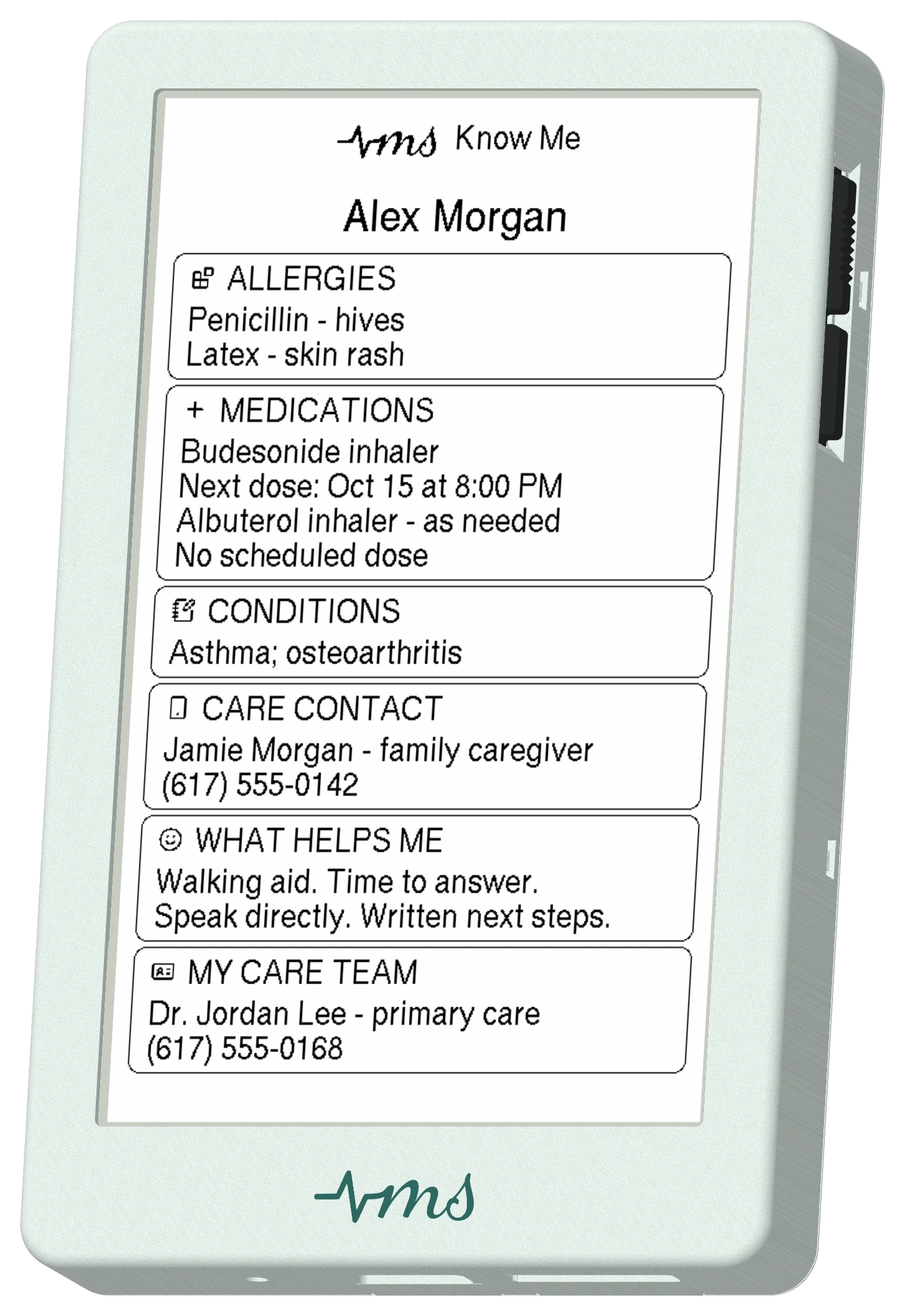
Choose what to share in the app and update your handheld card as your needs change. Your details stay on the e-paper screen, ready for the next conversation.
Alex came in about knee pain. The conversation covered stairs, a walking stick, the X-ray, and getting back to walks in the park. At home, the recording and transcript help Alex return to the details.

After everyone agrees to recording, the companion captures the appointment. Bring it into Medscribe: the visit, clinician, and original audio stay together.

What did the doctor say about the X-ray? Open the transcript and tap a timestamp to hear that part again. Revisit the physiotherapy discussion and the plan for a six-week follow-up.
Transcription runs on your phone. Review your Know Me details in Medscribe and send your card back to the companion for the next visit.
Explore the Medscribe app